
Streamlining everyday activities in educational institutions.
My Role
UX & Interaction Designer
Team
Individual
Timeline
August 2024 - September 2024
Overview
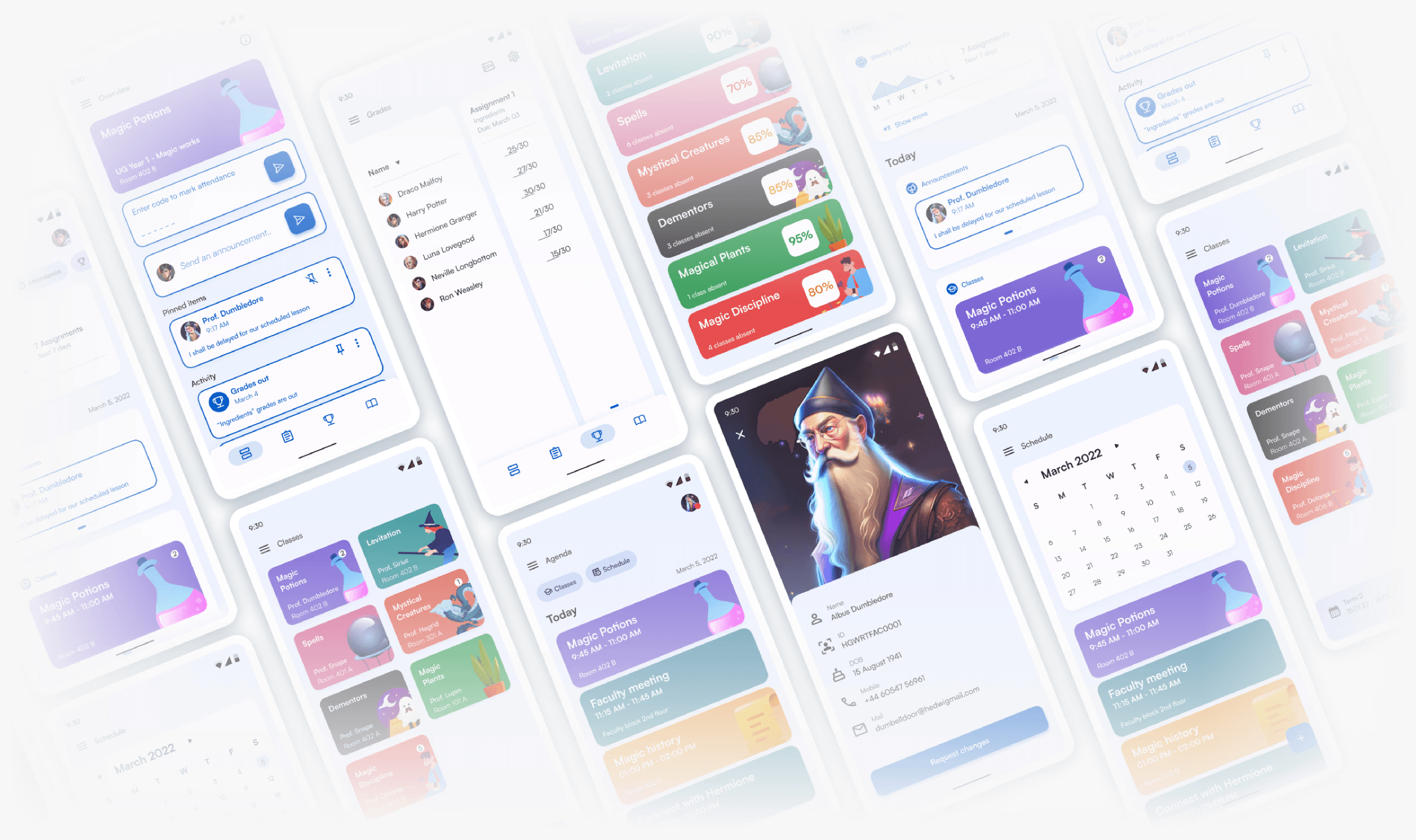
CampusHub is a platform that provides attendance, scheduling, deadline management and much more - all in one cohesive environment.
It is NOT a LMS or e-Learning platform.
The solution
Designed a centralized platform that simplifies academic coordination for students, faculty, and administrators.
Insights & Problems
To create a novel product, I assessed what gaps existed in the market
Following insights were collected after interviewing, collecting quantitative data and performing a competitor analysis:
Wireframing
I brainstormed main features that would better solve the problems from research
After multiple iterations of ideations, creating UX artefacts and synthesizing research data, wireframe of the complete flow of the app was created.
Stuent flow
Student flow
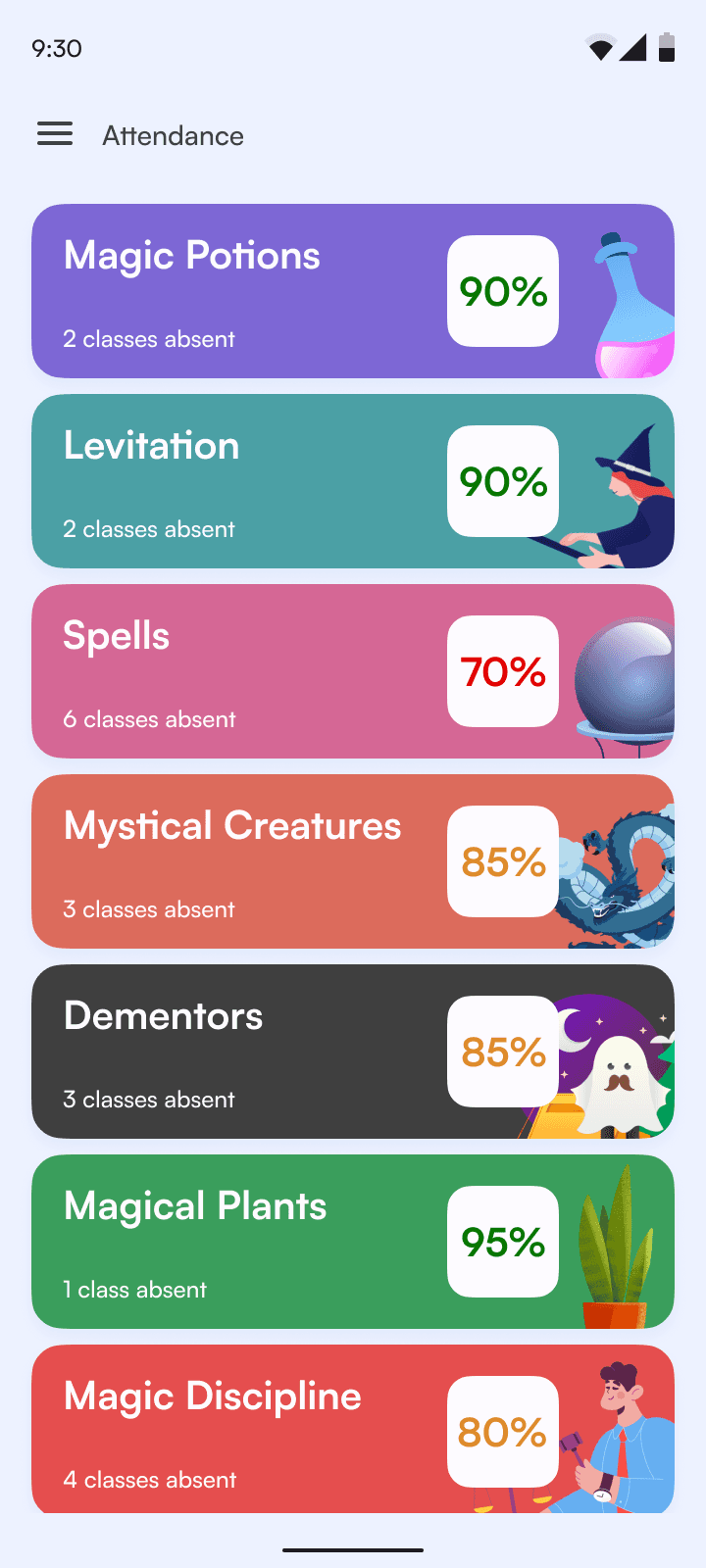
All in one screen
Comprehensive home screen that presents students with current to-do's, weekly agenda and announcements. They can also easily access a high level overview of their overall attendance .
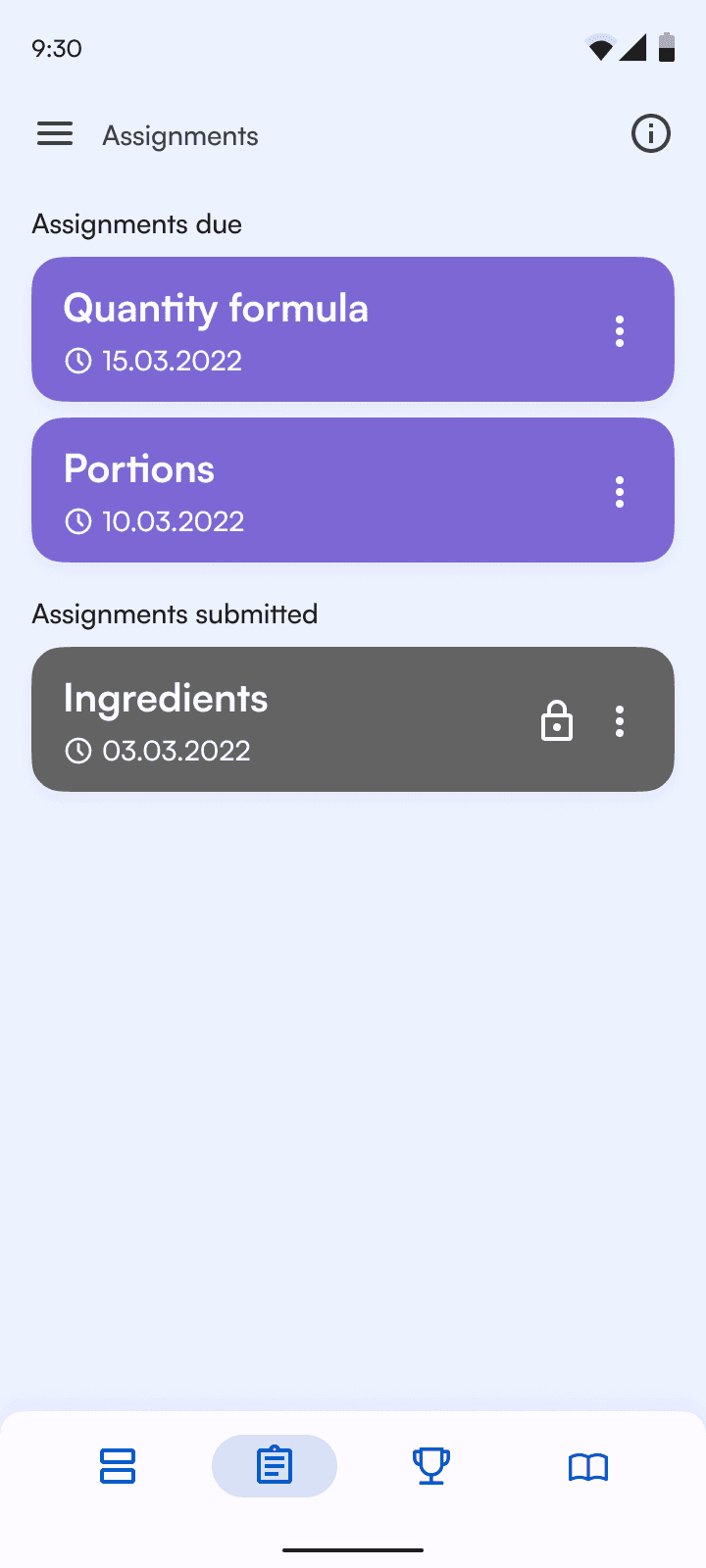
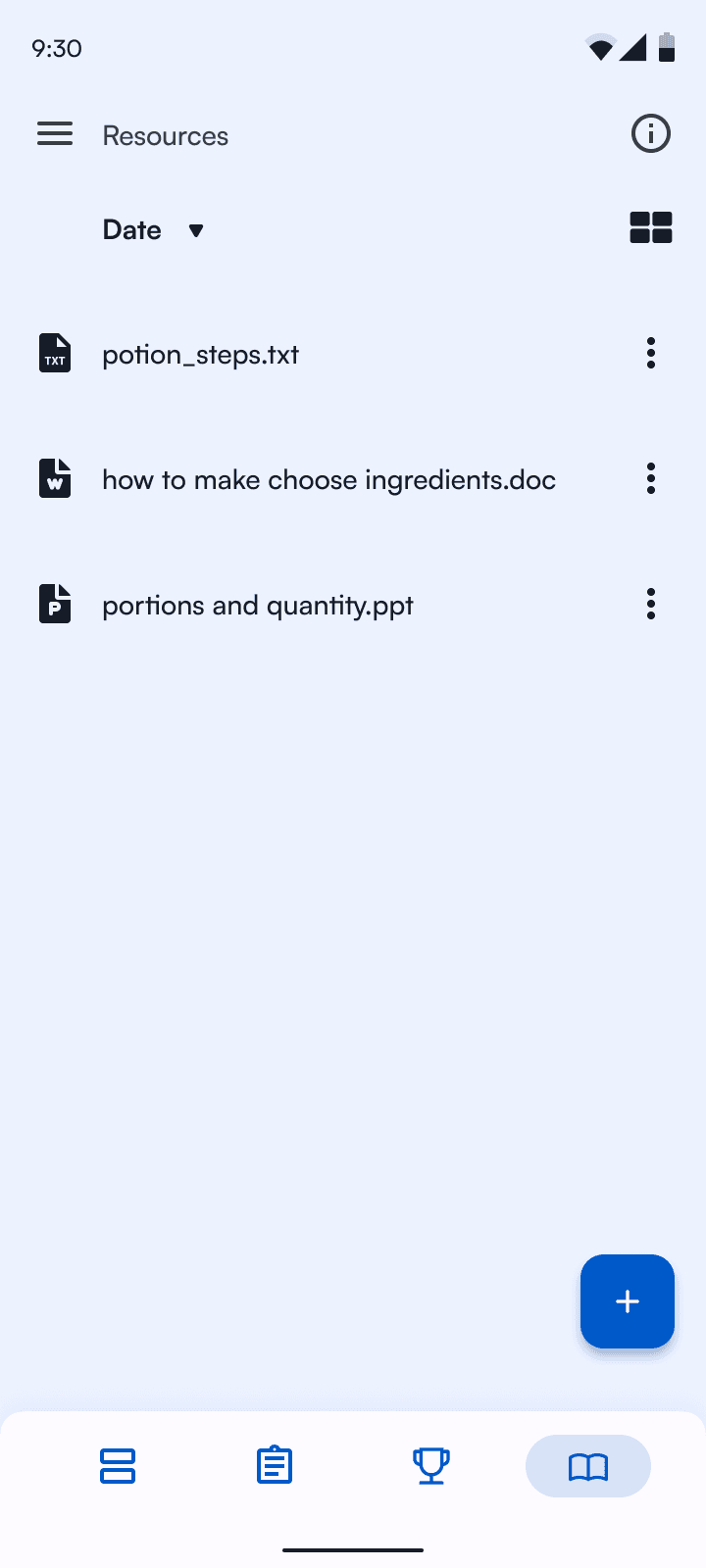
Class details
Find all the classes for the particular term, track assignment deadlines, share study materials with your classmates. Too late to submit? The submission gets locked!
Faculty flow
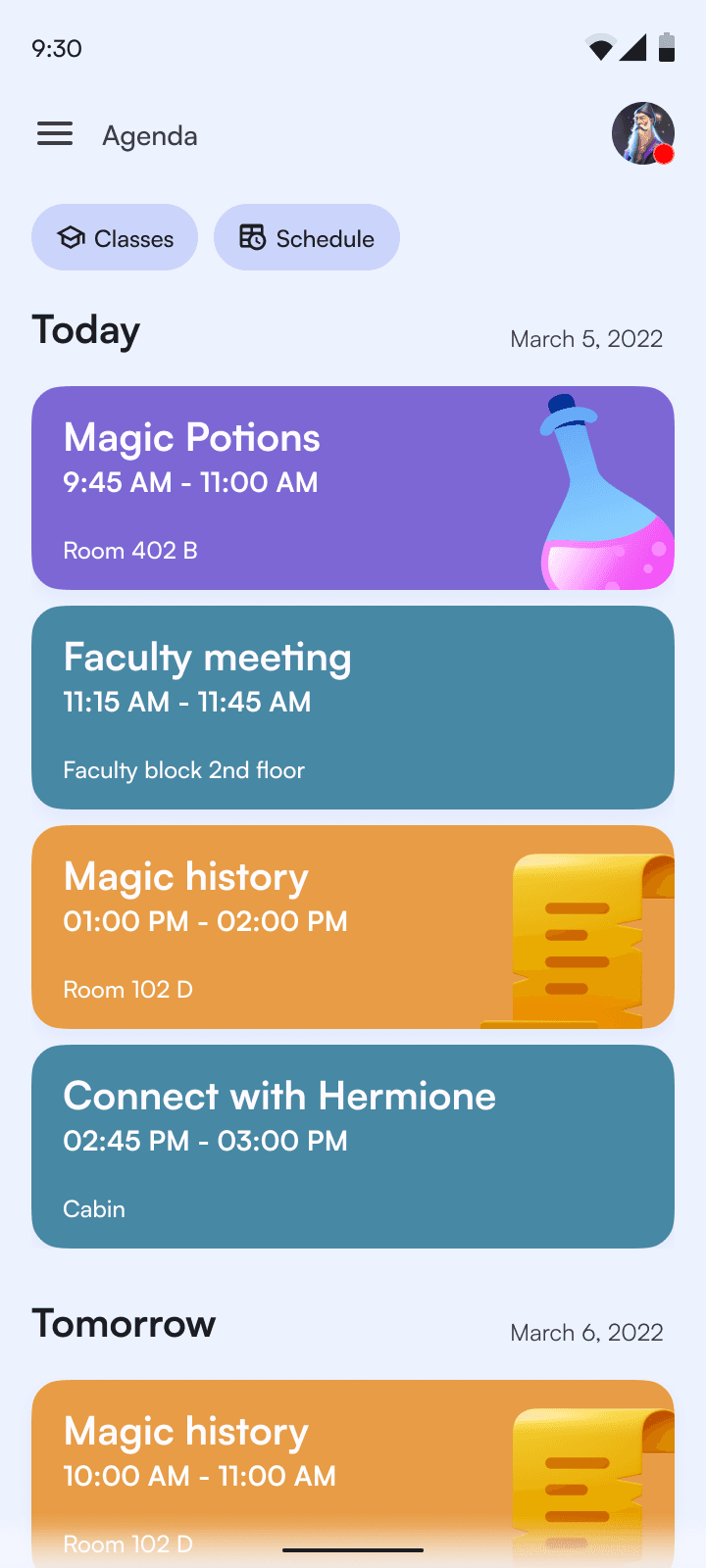
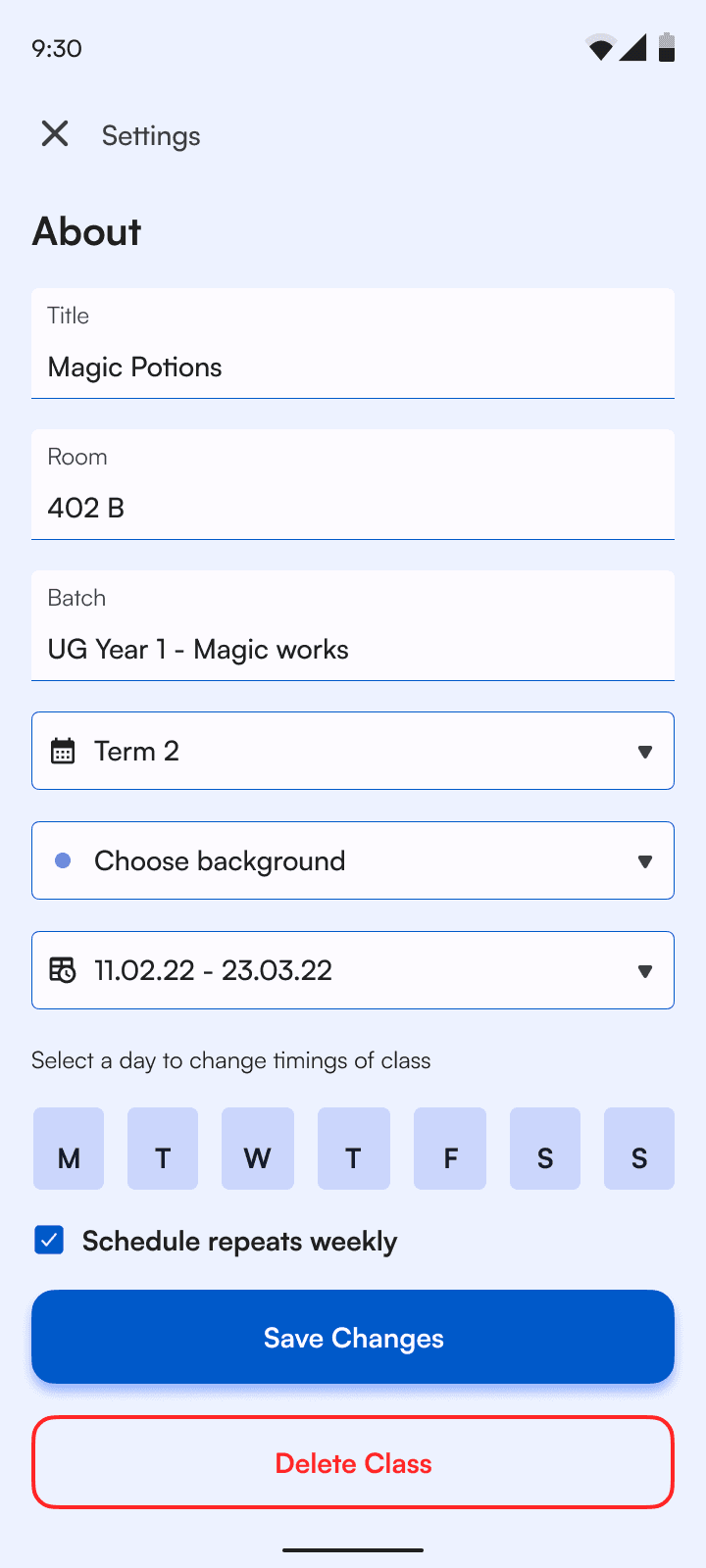
The faculty flow is focused on reducing repetitive administrative tasks while maintaining full oversight of student performance.
Course management
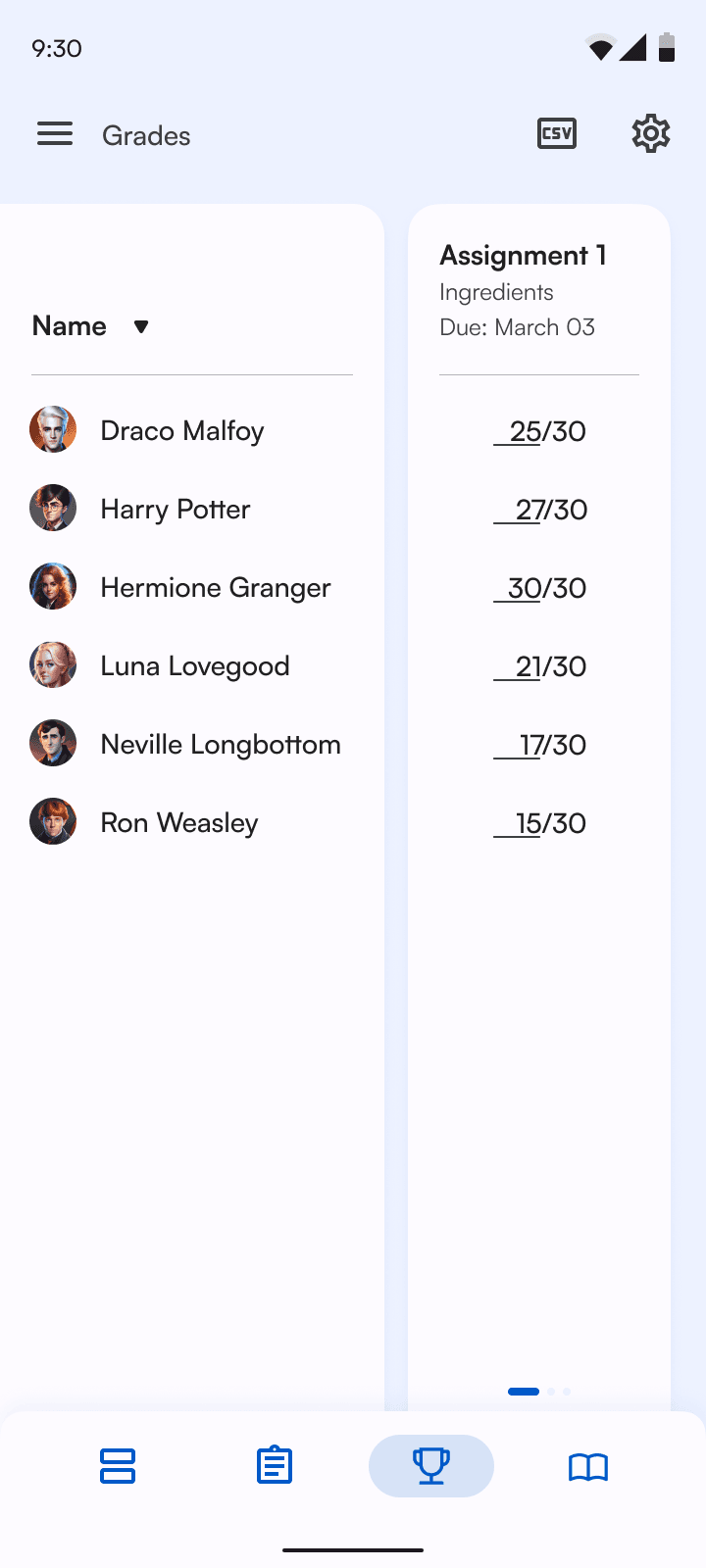
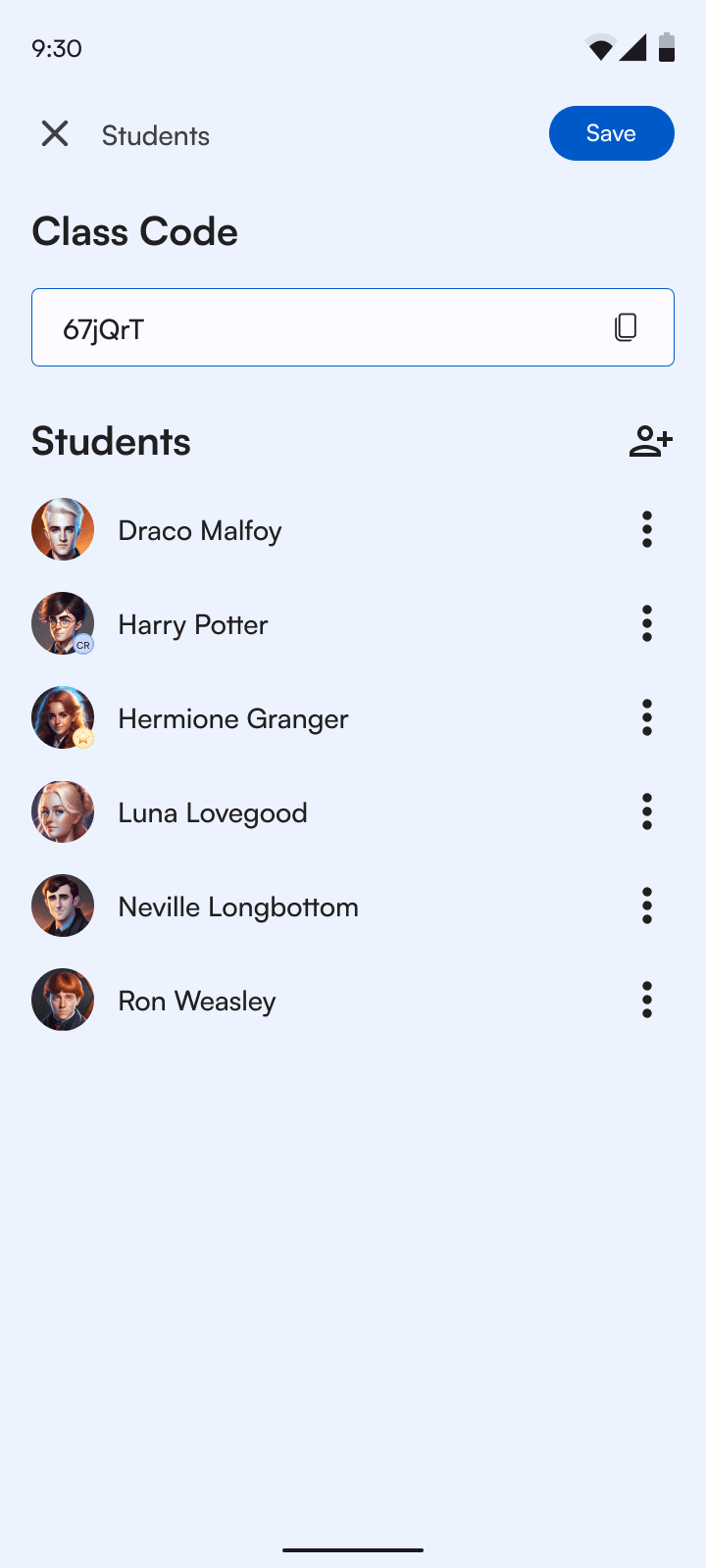
Faculty can manage attendance, grades, and coursework from a single structured view. I prioritized table clarity, bulk actions, and quick edits to minimize time spent per class.
Communication & Oversight
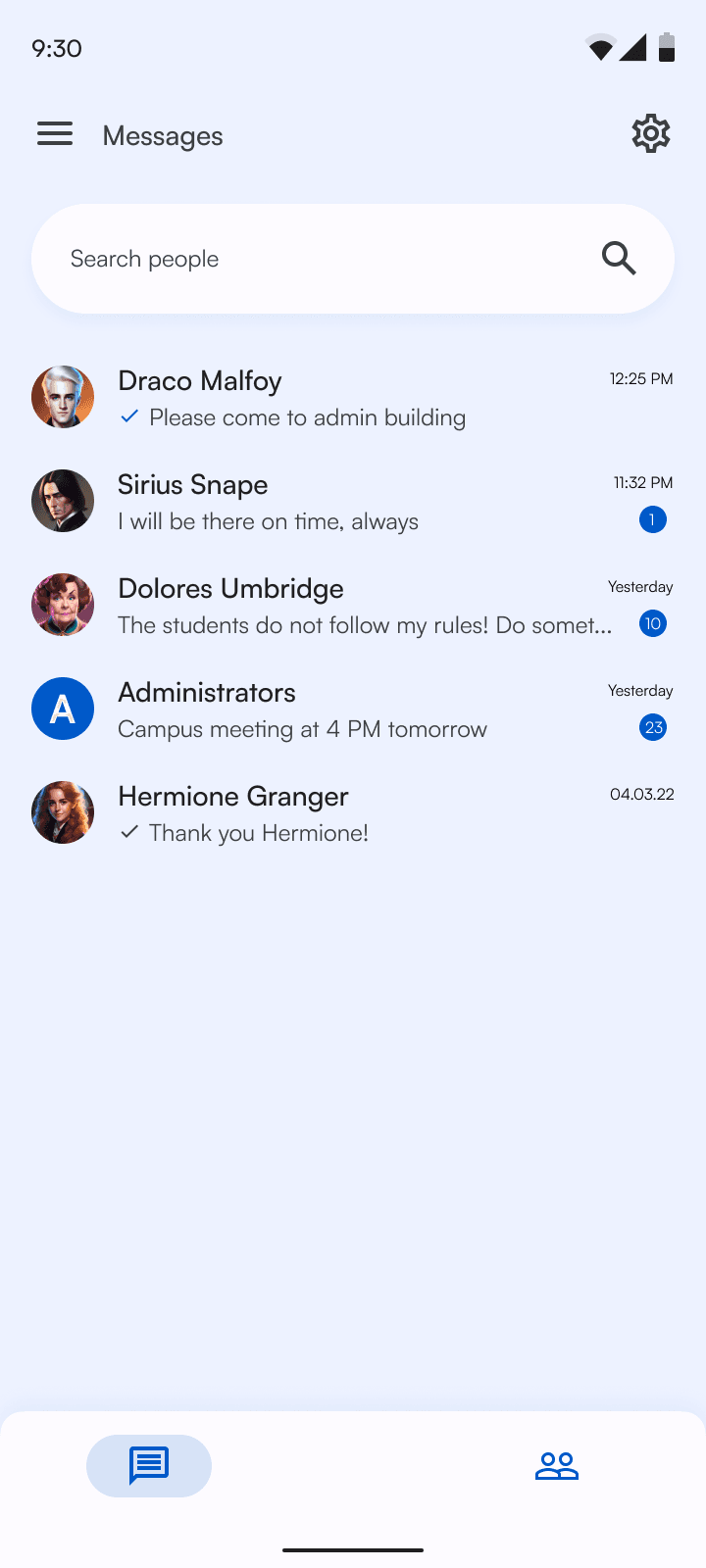
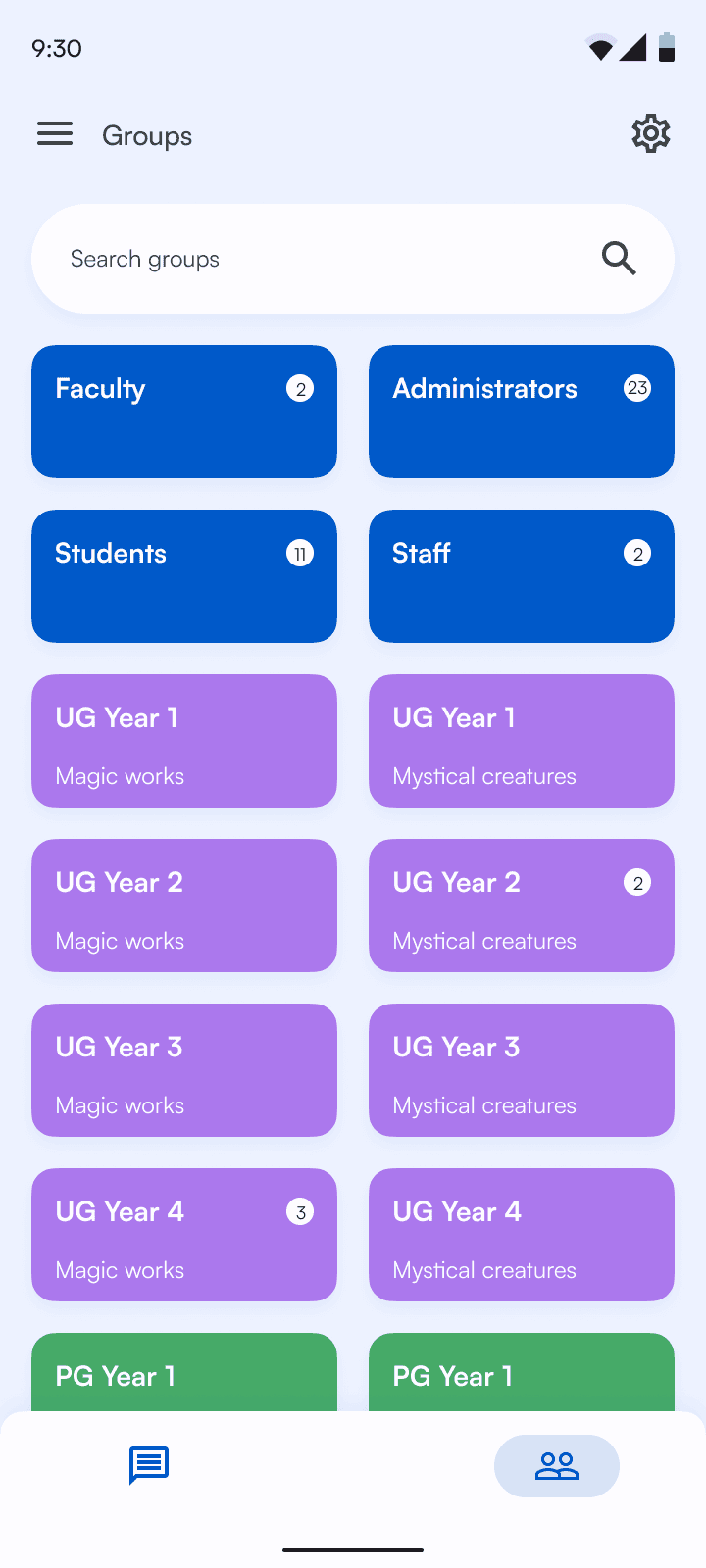
Messaging and announcements are integrated directly within course context to avoid tool switching. This keeps faculty aligned with students without adding parallel communication systems.
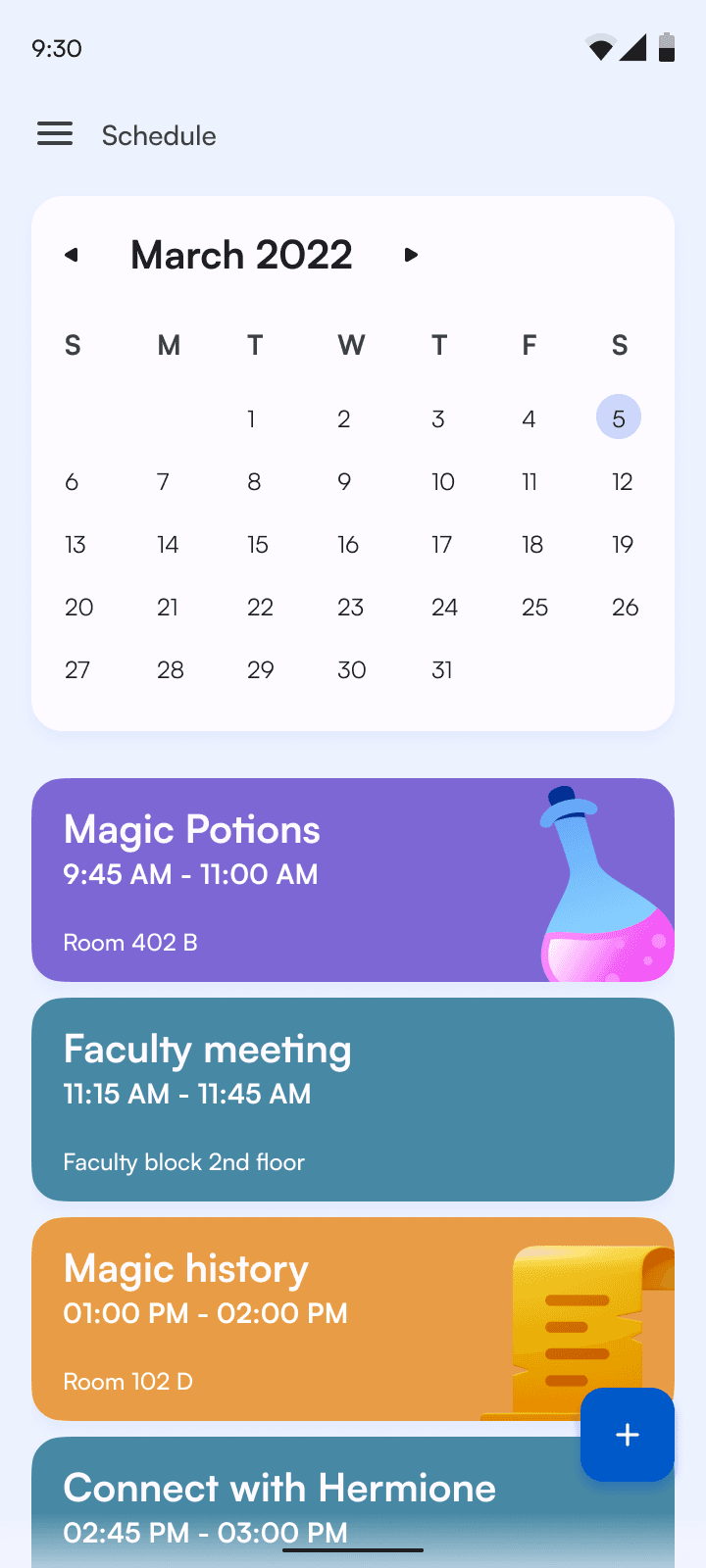
Scheduling & Calendar
The calendar view consolidates academic timelines and key deadlines into a single reference point. Filters and structured layouts reduce scheduling conflicts and duplicated effort.

Desktop screens
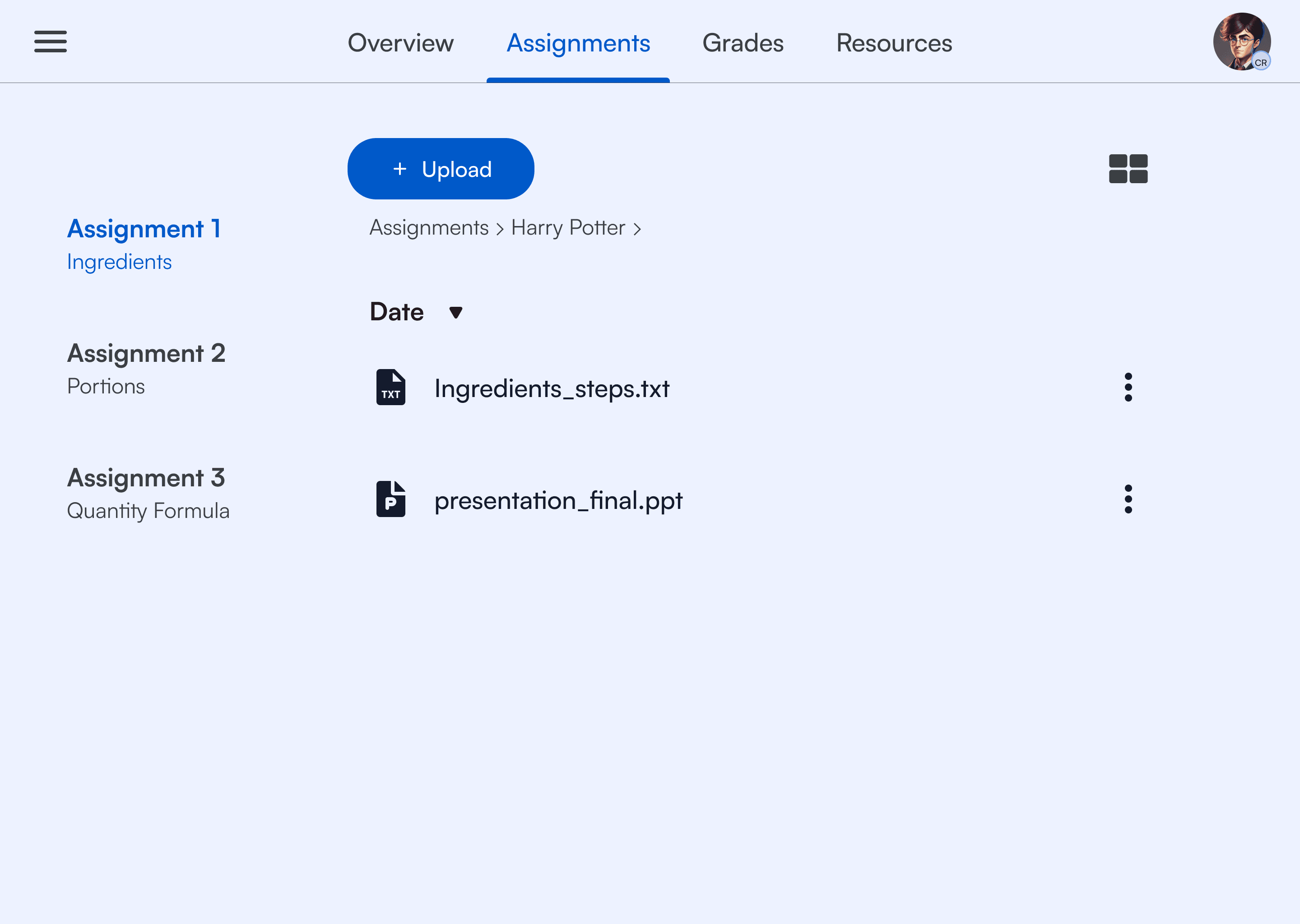
The desktop experience extends core functionality with more advanced data management tools. Layout decisions prioritize density without sacrificing clarity. Cross platform functionality is require since the users use different devices to carry out different activities.
learnings and impact
Clear workflows and faster decisions for every team.
Avoid bias
Since at the time, I was a student myself, I learned not to put my personal opinions in my design process. I instead worked based off of evidence.
System thinking over screen thinking
This project strengthened my ability to design under ambiguity while balancing the needs of multiple user groups. It also pushed me to think beyond individual screens and focus on system-level consistency.
